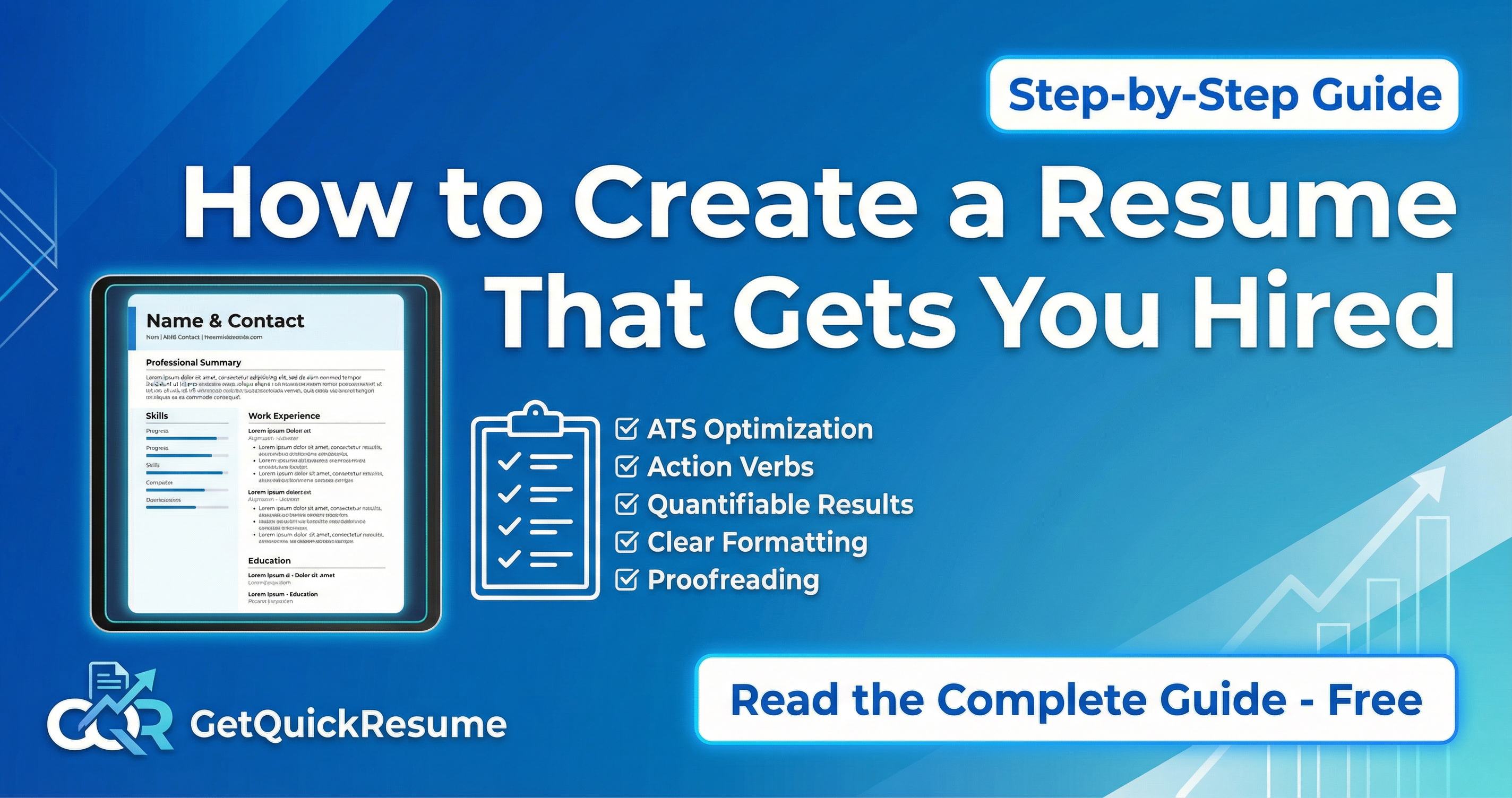
How to Create a Resume That Gets You Hired: The Complete Guide
Your resume is often the first impression you make on a potential employer. In fact, recruiters spend an average of just 7 seconds scanning a resume before deciding whether to continue reading. That means every word, every format choice, and every detail matters.
Whether you're entering the job market for the first time or looking to advance your career, this comprehensive guide will walk you through everything you need to know to create a resume that stands out and gets you interviews.
Essential Resume Sections
A well-structured resume makes it easy for recruiters to find the information they need quickly. Here are the must-have sections every resume should include:
Contact Information
This seems obvious, but you'd be surprised how many candidates make mistakes here. Your contact section should include:
- Full name — Use your professional name, not nicknames
- Phone number — Make sure your voicemail is professional
- Professional email — Avoid addresses like "partyguy@email.com"
- LinkedIn profile — Ensure it matches your resume
- City and state — Full address is no longer necessary
What to leave out: Date of birth, marital status, photo (in most Western countries), and irrelevant social media profiles.
Professional Summary
Your professional summary is a 3-4 sentence pitch that sells your value proposition. Think of it as your elevator pitch on paper. It should answer: "Why should we hire you?"
Example: "Results-driven marketing manager with 8+ years of experience developing data-driven campaigns that increased customer acquisition by 150%. Expert in SEO, content strategy, and marketing automation. Proven track record of managing $2M+ annual budgets while exceeding ROI targets."
Notice how this example includes specific numbers and achievements? That's the key to a compelling summary.
Work Experience
This is the heart of your resume. For each position, include:
- Job title
- Company name and location
- Dates of employment (month/year format)
- 3-5 bullet points highlighting achievements
Critical tip: Focus on achievements, not just responsibilities. Anyone can list job duties — what makes you stand out is showing the impact you made.
"Responsible for managing social media accounts and creating content for the company."
"Grew Instagram following from 5K to 50K in 12 months, generating 200+ qualified leads monthly through strategic content campaigns."
Skills Section
Your skills section should be a quick snapshot of your capabilities. Divide them into:
- Hard skills: Technical abilities like programming languages, software proficiency, certifications (Python, Salesforce, Project Management)
- Soft skills: Interpersonal abilities like leadership, communication, problem-solving (use sparingly — these are better demonstrated through achievements)
Pro tip: Tailor your skills section to match the job description. If the posting mentions "data analysis," make sure that skill is prominently featured.
Education
For most professionals with work experience, education comes after work history. Include:
- Degree and major
- University name and location
- Graduation year (optional if you've been working for 10+ years)
- Relevant coursework, honors, or GPA (only if exceptional and recent)
Optional Sections
Depending on your background and the job you're targeting, consider adding:
- Certifications: Industry credentials that boost your qualifications
- Projects: Especially valuable for tech roles or career changers
- Languages: Increasingly valuable in global companies
- Volunteer work: Shows character and can fill employment gaps
If you're targeting international roles, you can translate your resume into another language using specialized tools. See our list of the best resume translators in 2026 for recommendations.
Need help structuring your resume? GetQuickResume's AI guides you through each section, ensuring you don't miss anything important.
Formatting Best Practices
Even the best content can be undermined by poor formatting. Here's how to make your resume visually appealing and easy to read:
One Page vs. Two Pages
The one-page resume isn't a hard rule anymore. Here's a simple guideline:
- One page: If you have less than 10 years of experience
- Two pages: If you're a senior professional with extensive relevant experience
- Never: More than two pages (unless you're in academia or medicine)
Font and Typography
- Use clean, professional fonts: Arial, Calibri, Helvetica, or Georgia
- Body text: 10-12 point size
- Headers: 14-16 point size
- Consistent formatting throughout
White Space and Margins
- Margins: 0.5 to 1 inch on all sides
- Don't cram text — white space improves readability
- Use bullet points to break up dense text
Power Words That Impress Recruiters
The verbs you use can dramatically impact how your achievements are perceived. Start each bullet point with a strong action verb:
High-Impact Action Verbs
Common Resume Mistakes to Avoid
Even qualified candidates can sabotage their chances with these common errors:
58% of resumes have typos. Always proofread multiple times and ask someone else to review.
"Seeking a challenging position..." tells employers nothing. Use a specific professional summary instead.
That summer job from 15 years ago? The recruiter doesn't need to know. Keep it relevant.
Tailoring your resume to each position significantly increases your chances of getting an interview.
Key Takeaways
Resume Checklist
- Include all essential sections: contact, summary, experience, skills, education
- Focus on achievements with quantifiable results, not just responsibilities
- Use strong action verbs to start each bullet point
- Keep formatting clean, consistent, and easy to scan
- Tailor your resume to each specific job application
- Proofread multiple times — typos are deal-breakers
- Keep it to 1-2 pages maximum
- Save and send as PDF to preserve formatting
Creating an effective resume takes time and attention to detail, but it's an investment that pays off. A well-crafted resume opens doors to opportunities and sets the stage for successful interviews.
Ready to put these tips into action? GetQuickResume's AI-powered builder helps you create a professional resume in minutes, complete with optimized formatting and achievement-focused content suggestions. No design skills required.
Ready to Create Your Professional Resume?
Skip the guesswork. GetQuickResume's AI helps you create a professional, ATS-optimized resume in minutes.
Start Free - No Credit CardGetQuickResume Team
Career & Resume Experts
Our team of HR professionals and career coaches share insights to help you land your dream job. We combine industry expertise with AI technology to make resume building effortless.
Related Articles
What is ATS? How Applicant Tracking Systems Work (And How to Beat Them)
Discover how 75% of resumes never reach human eyes and learn proven strategies to optimize your resume for Applicant Tracking Systems used by top employers.

Resume Tips for Career Changers: How to Pivot Successfully
Changing careers? Learn how to highlight your transferable skills and write a resume that proves you're ready for the new role.