What is ATS? How Applicant Tracking Systems Work (And How to Beat Them)
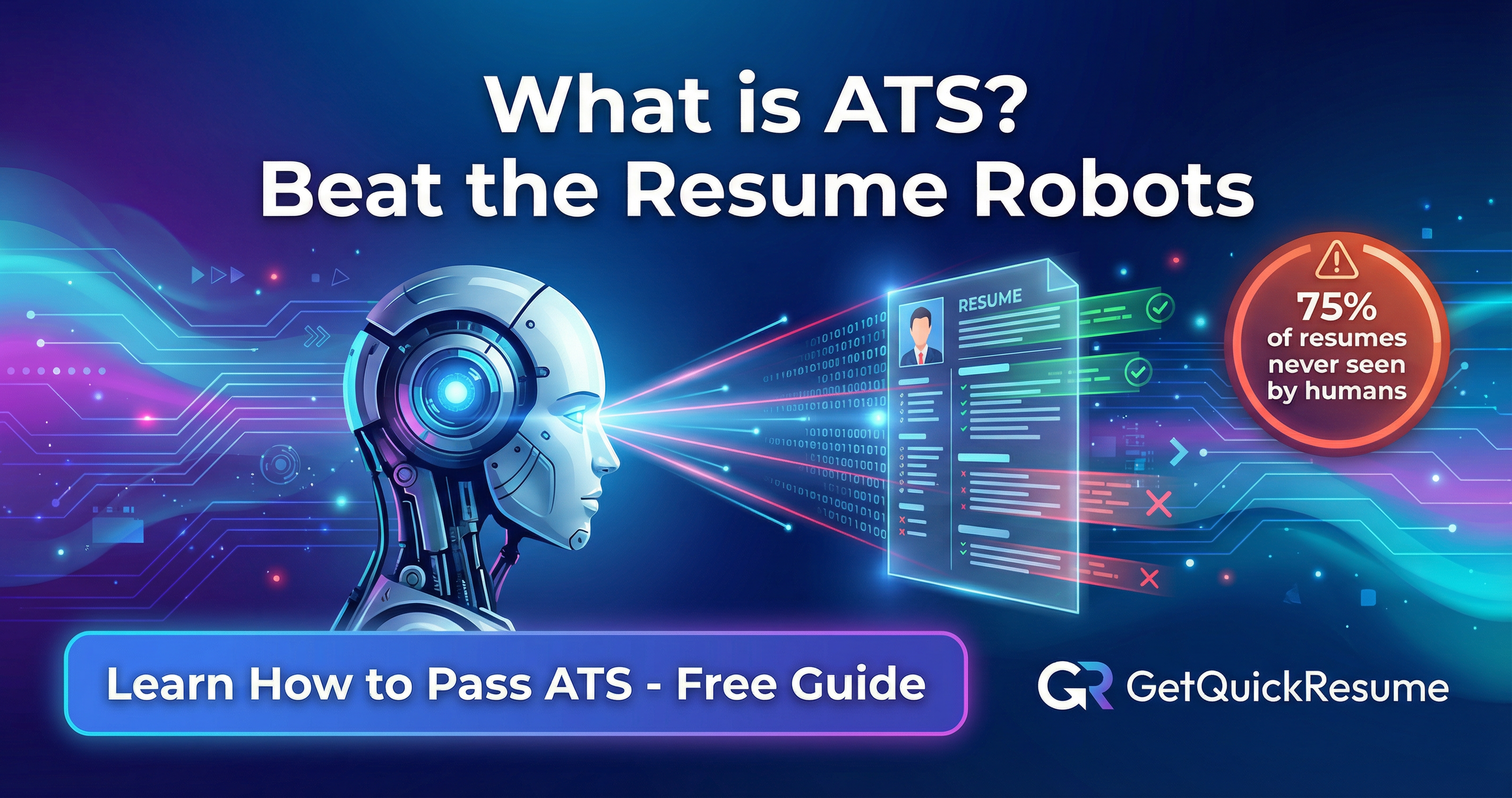
Here's a sobering fact: up to 75% of resumes are rejected before a human ever sees them. The culprit? Applicant Tracking Systems (ATS) — the silent gatekeepers of the modern job market.
If you've ever applied for a job online and wondered why you never heard back despite being qualified, there's a good chance an ATS filtered you out. Understanding how these systems work — and how to optimize your resume for them — can dramatically increase your chances of landing interviews.
What is an Applicant Tracking System (ATS)?
An Applicant Tracking System is software that companies use to manage their recruitment process. Think of it as a digital filing cabinet combined with a search engine. It collects, sorts, scans, and ranks the resumes companies receive.
For job seekers, the ATS is the first hurdle. Before a recruiter reviews your resume, the ATS has already scanned it, extracted information, and determined if you're worth a closer look.
Why Do Companies Use ATS?
The numbers tell the story:
- A single corporate job posting receives an average of 250 resumes
- Large companies may receive millions of applications per year
- Recruiters spend only 6-7 seconds reviewing a resume initially
Without ATS software, it would be impossible for HR teams to manage this volume. The ATS helps filter candidates efficiently, saving companies countless hours.
Popular ATS Systems
You've likely encountered these systems without knowing it:
How ATS Scans and Ranks Your Resume
Understanding the ATS scanning process is crucial for optimization. Here's what happens when you submit your resume:
How ATS Processes Your Resume
Parsing
The ATS reads your resume and extracts information into structured fields: name, contact info, work history, education, skills. If your formatting is too complex, the parser may misread or miss information entirely.
Keyword Matching
The system compares your resume against the job description, looking for relevant keywords. These might include:
- Job titles and role-specific terms
- Required skills and technologies
- Certifications and qualifications
- Industry-specific terminology
Scoring and Ranking
Based on keyword matches and other criteria, the ATS assigns your resume a score. Candidates with higher scores rise to the top of the pile that recruiters actually see.
GetQuickResume automatically optimizes your resume for ATS systems, ensuring your qualifications get seen by human recruiters.
Why Resumes Get Rejected by ATS
Even qualified candidates get filtered out for reasons that have nothing to do with their qualifications. Here are the most common ATS killers:
Tables, columns, text boxes, and graphics confuse ATS parsers. What looks beautiful to humans can be unreadable to software.
If the job asks for "project management" and you only wrote "managed projects," you might not match. Exact phrasing matters.
Some older ATS systems struggle with certain file types. When in doubt, PDF is generally safest, though some prefer .docx.
Many ATS systems can't read content placed in document headers or footers. Keep important information in the main body.
That creative icon-based skills section? The ATS sees nothing. All visual elements are essentially invisible to the system.
How to Optimize Your Resume for ATS
Now for the good news: once you know the rules, it's not hard to play the game. Here's how to make your resume ATS-friendly:
Use Standard Section Headings
Stick to conventional headings that ATS systems recognize:
- Work Experience
- Education
- Skills
- Professional Summary
- Certifications
- Where I've Made an Impact
- My Journey
- What I Bring to the Table
- The Toolbox
- Credentials & Accomplishments
Mirror the Job Description
This is perhaps the most important tip: use the same language the job posting uses. If they say "customer relationship management," don't just write "CRM." Include both versions.
Pro tip: Copy the job description into a word cloud generator to identify the most frequently used terms. Then ensure those terms appear naturally in your resume.
Keep Formatting Simple
- Use standard fonts (Arial, Calibri, Times New Roman)
- Avoid tables, columns, and text boxes
- Use simple bullet points (• or -)
- No images, logos, or graphics
- Left-align all text
- Use standard date formats (MM/YYYY or Month YYYY)
Include Both Acronyms and Full Terms
Don't assume the ATS knows what abbreviations mean. Write out terms fully at least once, then you can use the acronym:
- "Search Engine Optimization (SEO)" not just "SEO"
- "Customer Relationship Management (CRM)" not just "CRM"
- "Project Management Professional (PMP)" not just "PMP"
Save in the Right Format
Unless the job posting specifies otherwise:
- PDF is generally safest and preserves formatting
- .docx is sometimes preferred by older ATS systems
- Never submit as .jpg, .png, or other image formats
ATS-Friendly Resume Checklist
Before You Submit
- Standard section headings (Experience, Education, Skills)
- Keywords from job description included naturally
- No tables, columns, or complex formatting
- No images, logos, or graphics
- Both acronyms and full terms for industry jargon
- Contact information in main body (not header/footer)
- Simple, ATS-readable fonts
- Saved as PDF or .docx
- File name includes your name (John_Smith_Resume.pdf)
- No special characters that might cause parsing errors
Key Takeaways
The ATS isn't your enemy — it's just a hurdle you need to clear. Here's what to remember:
- Most resumes never reach human eyes due to ATS filtering
- Keywords matter — mirror the language in job descriptions
- Simple formatting wins — save creativity for the interview
- Test your resume — parse it yourself to see what the ATS sees
- Tailor each application — one-size-fits-all resumes score lower
Want to see how your resume measures up? Check your ATS score with our free tool, or explore the best resume translators if you're applying internationally.
Understanding ATS is no longer optional in today's job market. But here's the silver lining: once you know the rules, you have a significant advantage over candidates who don't.
GetQuickResume's AI-powered builder creates ATS-optimized resumes automatically. No formatting headaches, no keyword guessing — just a professional resume that gets past the gatekeepers and into human hands.
Ready to Create Your Professional Resume?
Skip the guesswork. GetQuickResume's AI helps you create a professional, ATS-optimized resume in minutes.
Start Free - No Credit CardGetQuickResume Team
Career & Resume Experts
Our team of HR professionals and career coaches share insights to help you land your dream job. We combine industry expertise with AI technology to make resume building effortless.
Related Articles
How to Create a Resume That Gets You Hired: The Complete Guide
Learn the essential elements of a winning resume, from formatting best practices to action verbs that impress recruiters. Your step-by-step guide to landing more interviews.

Resume Tips for Career Changers: How to Pivot Successfully
Changing careers? Learn how to highlight your transferable skills and write a resume that proves you're ready for the new role.